If you want to connect your reward wallet in Medieval Empires, here are the steps to follow:
Go to your profile in the game and click on Account.
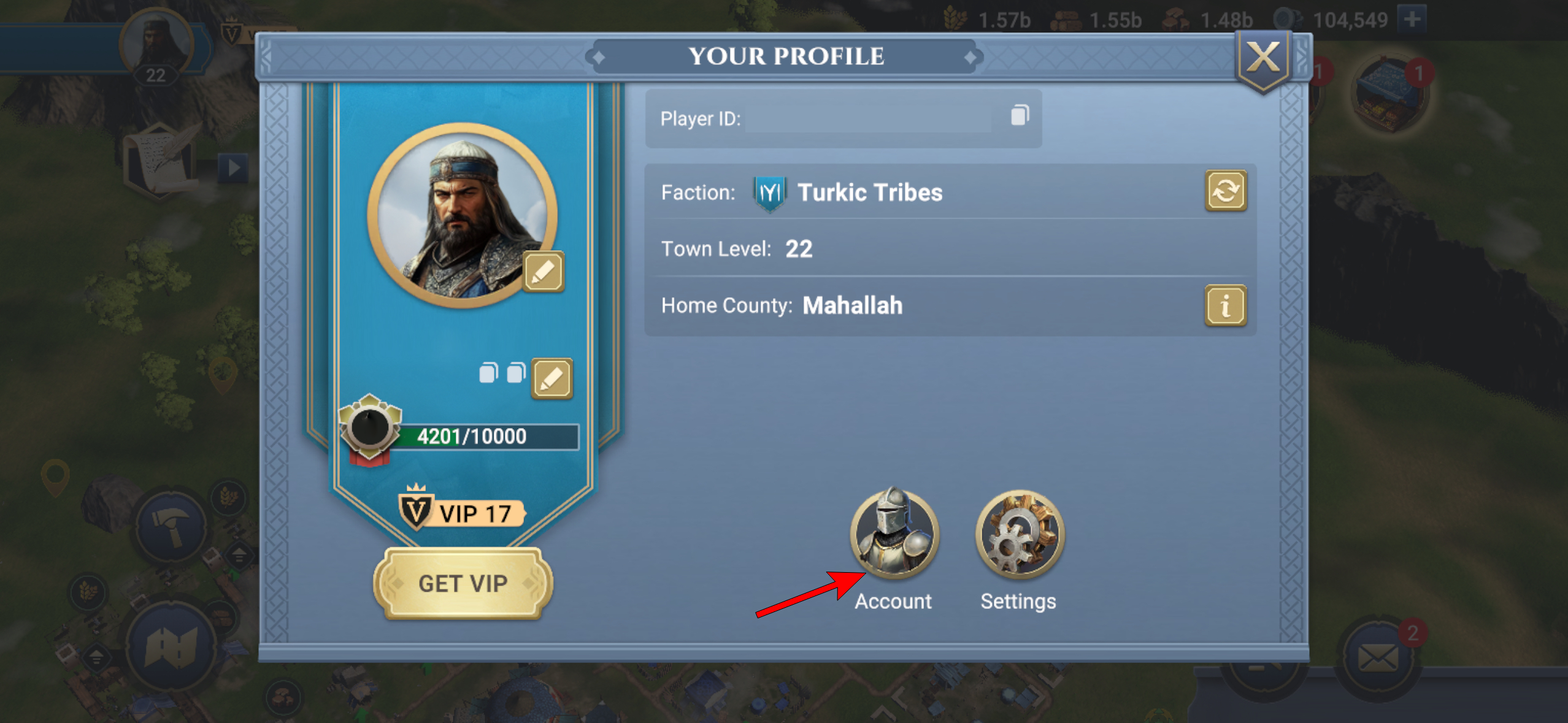
Here, you can click on the IMX logo to access your Account page, where you can view your connected wallets. If you do not have a reward wallet set up, you will be given the option to connect one in order to claim MEE token rewards and taxes.
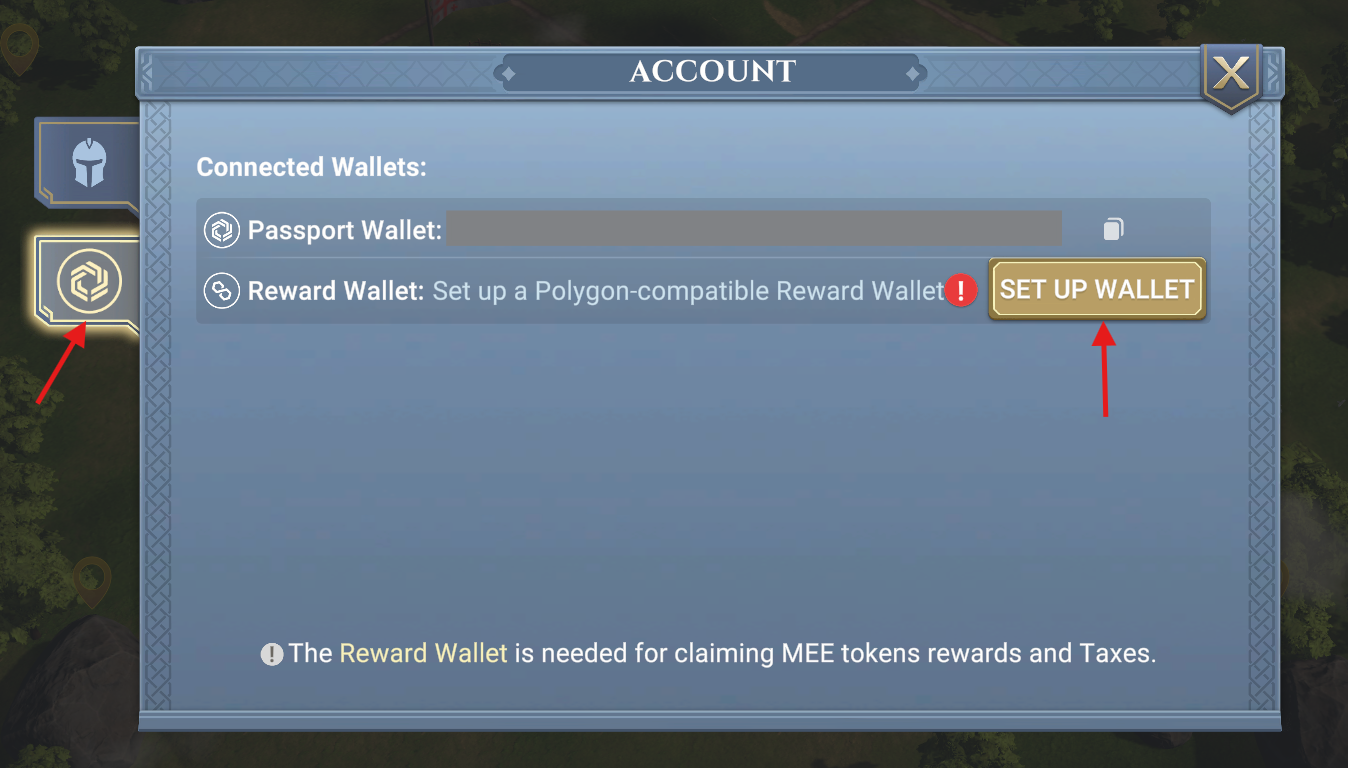
When you click on 'Set up Wallet', you will be redirected to the Medieval Empires website, where you can complete the following process.
To Connect a Wallet:
- Make sure your Wallet browser extension works properly.
- Make sure your Wallet service is supported by WalletConnect (check here for supported wallets).
- Log in to your account on the Medieval Empires site (link to Login).
- Click the [Connect Wallet] button and approve the request to connect.


- After your Wallet is connected, don't forget to click on the [Add to Game Account] button and Confirm.

- You will see your Wallet address displayed under the 'Linked Wallets' section. Well Done! You did it!
To Remove a Wallet:
On the Account page, find the wallet that is connected to your account in the section 'Game Wallets & Transactions Overview'. And then click the Delete icon to remove a connected wallet.

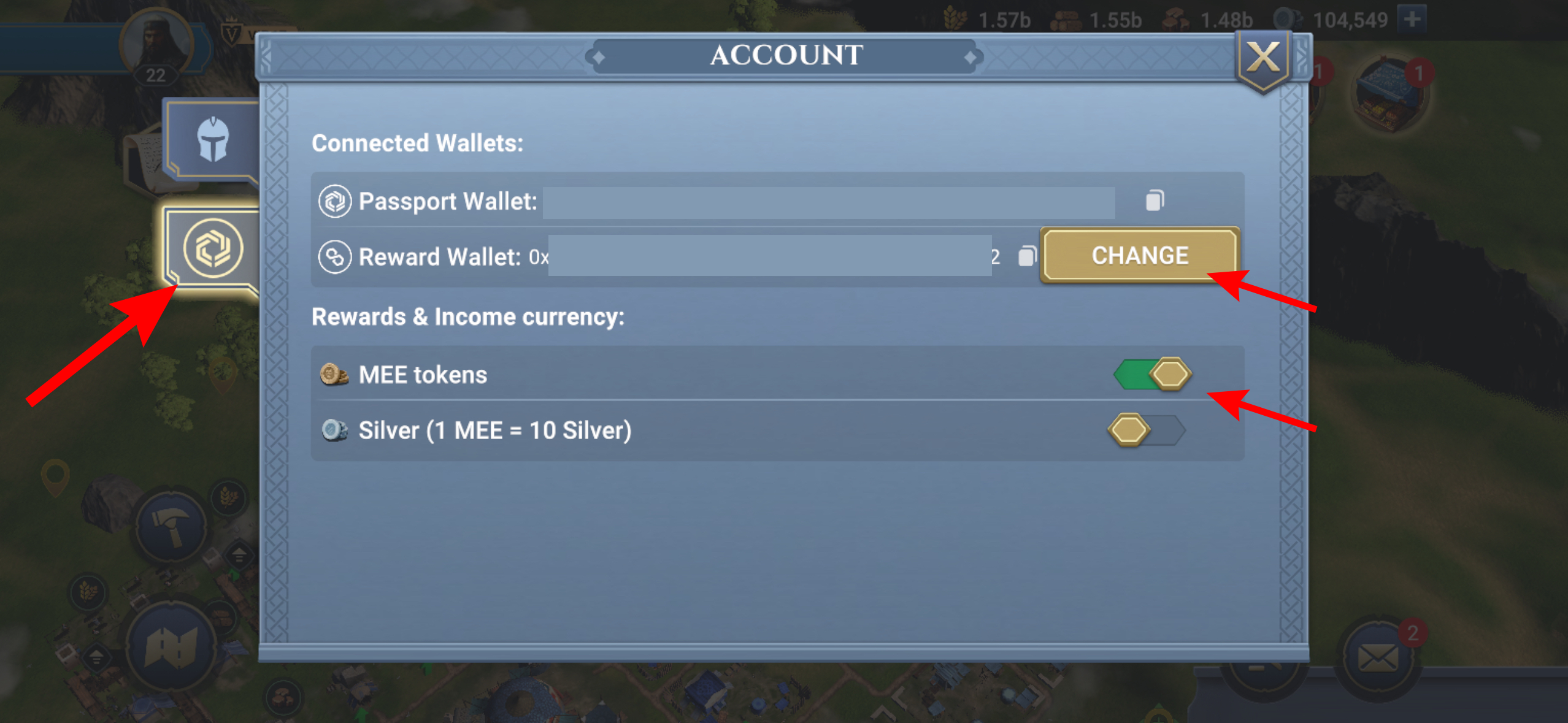
Following this, you can go back to the Account page in the game and you will now see your connected wallet. If you want to change it, you can click 'Change' and it will lead you back to the website.
In addition to that, you can also select if you want to get MEE tokens as rewards in the game or Silver in place of it. Each MEE token is worth 10 silver, and you can only choose one type of rewards.